
Desktop
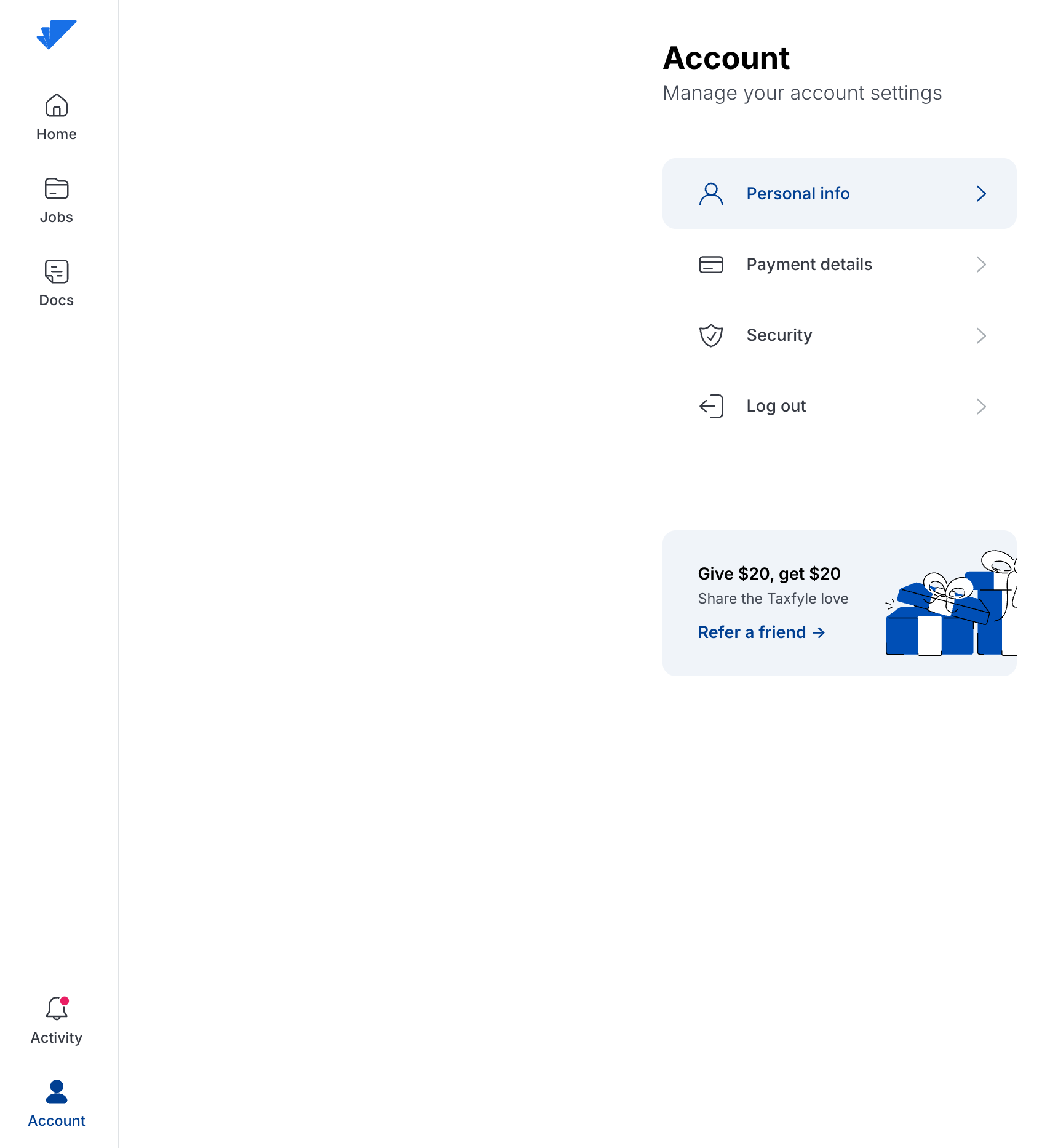
When you're signed into Taxfyle on your computer, signing out is as easy as selecting the "Account" icon on the bottom left-hand corner of your home screen and clicking "Log out".
Mobile App
When you're signed into Taxfyle on the mobile app, select the "Account" icon on the bottom right-hand corner of the screen and click "Log out". You can also close out the app from your device.