
Uploading from your job
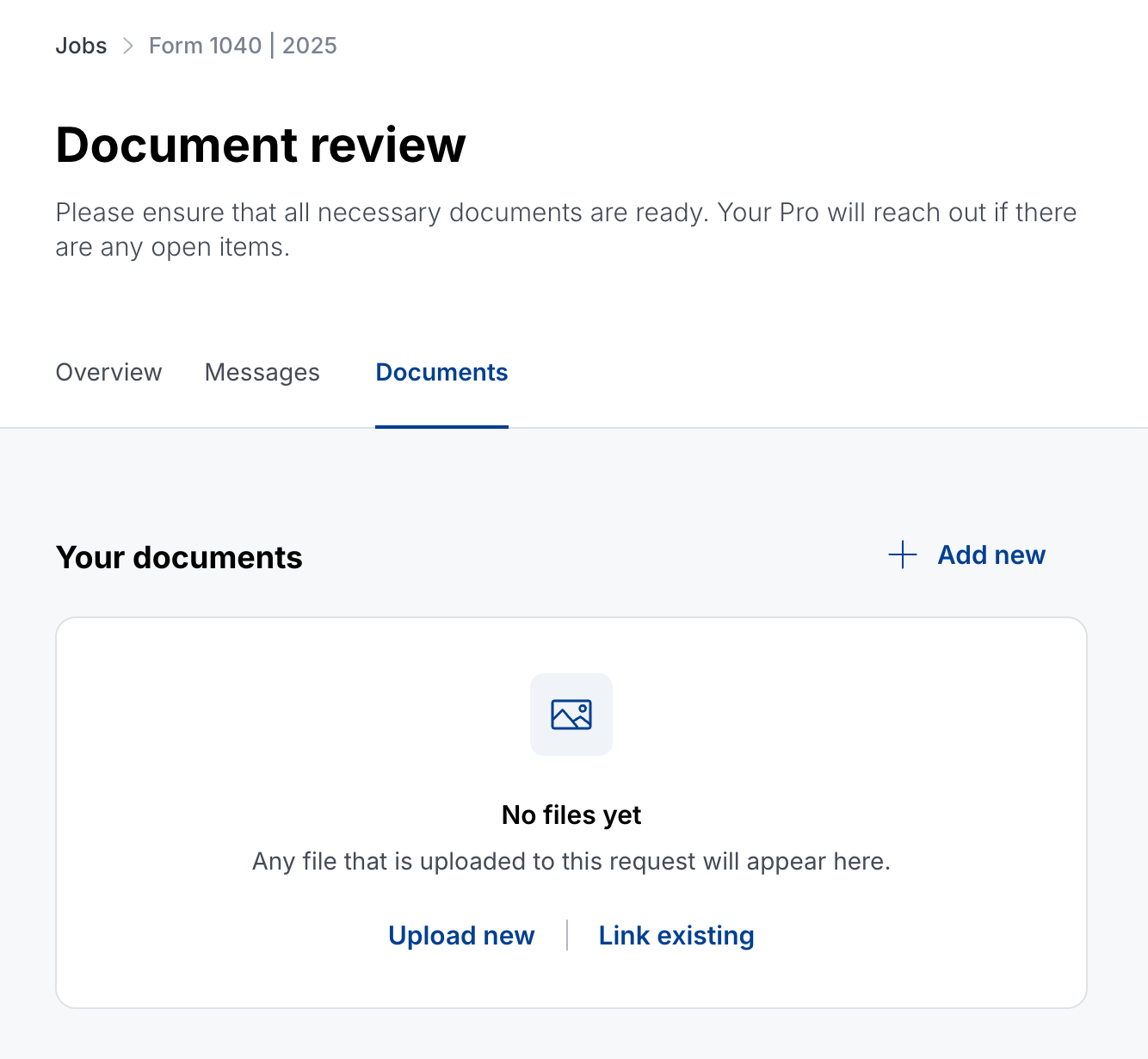
You can upload documents from the Documents tab inside your job:
- Go to Jobs and open your job.
- Select the Documents tab.
- Select + Add new in the top right. If you haven't uploaded anything yet, you can also select Upload new in the middle of the page.
If a file won't upload
If a document won't upload to your job, try these steps first:
- Close the app or browser tab, reopen it, and try the upload again.
- Check your internet connection.
- If you're using the mobile app, try again from a browser at app.taxfyle.com.
If the file still won't upload, contact our support team and we'll help you get it uploaded.