
We know that sending sensitive documents to an outside party isn't something you do lightly. Protecting your information is a top priority at Taxfyle. Your documents and personal information are stored in SOC2-compliant databases. Access is controlled at the document level, so third parties can't reach your files. The Taxfyle app also logs you out automatically, which helps protect your account if someone else gets hold of your phone.
Add multi-factor authentication
To further secure your account, you can enroll in multi-factor authentication (MFA), which adds a step to the login process. Instead of a password alone, you confirm it's you with a second piece of evidence. That lowers the risk of someone accessing your account even if your username and password are compromised.
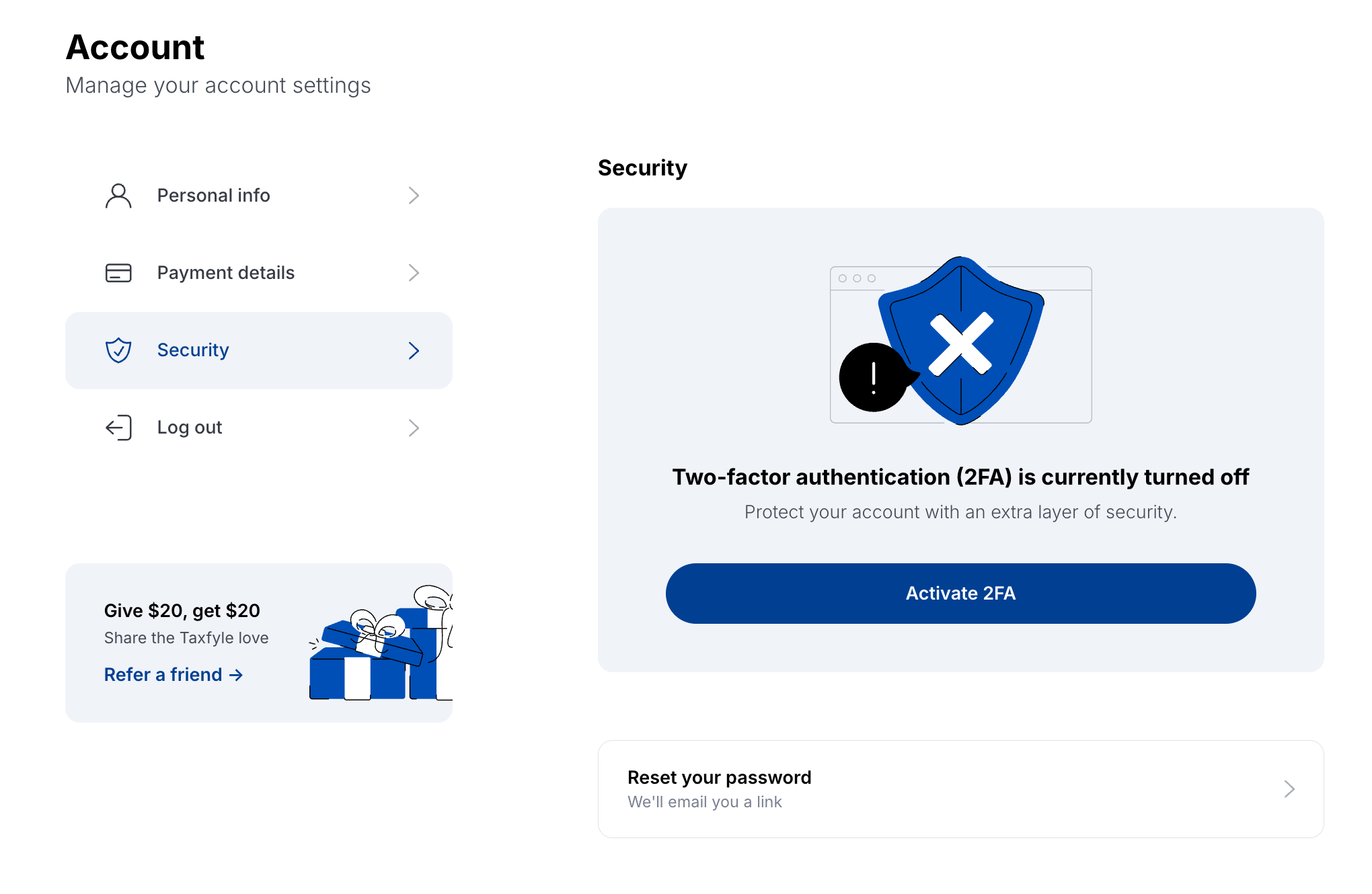
To turn it on from a computer:
- Go to Account, then Security.
- Select Activate 2FA and follow the prompts.
To turn it on in the Taxfyle app:
- Open the menu.
- Select Enroll in multi-factor authentication and follow the prompts.